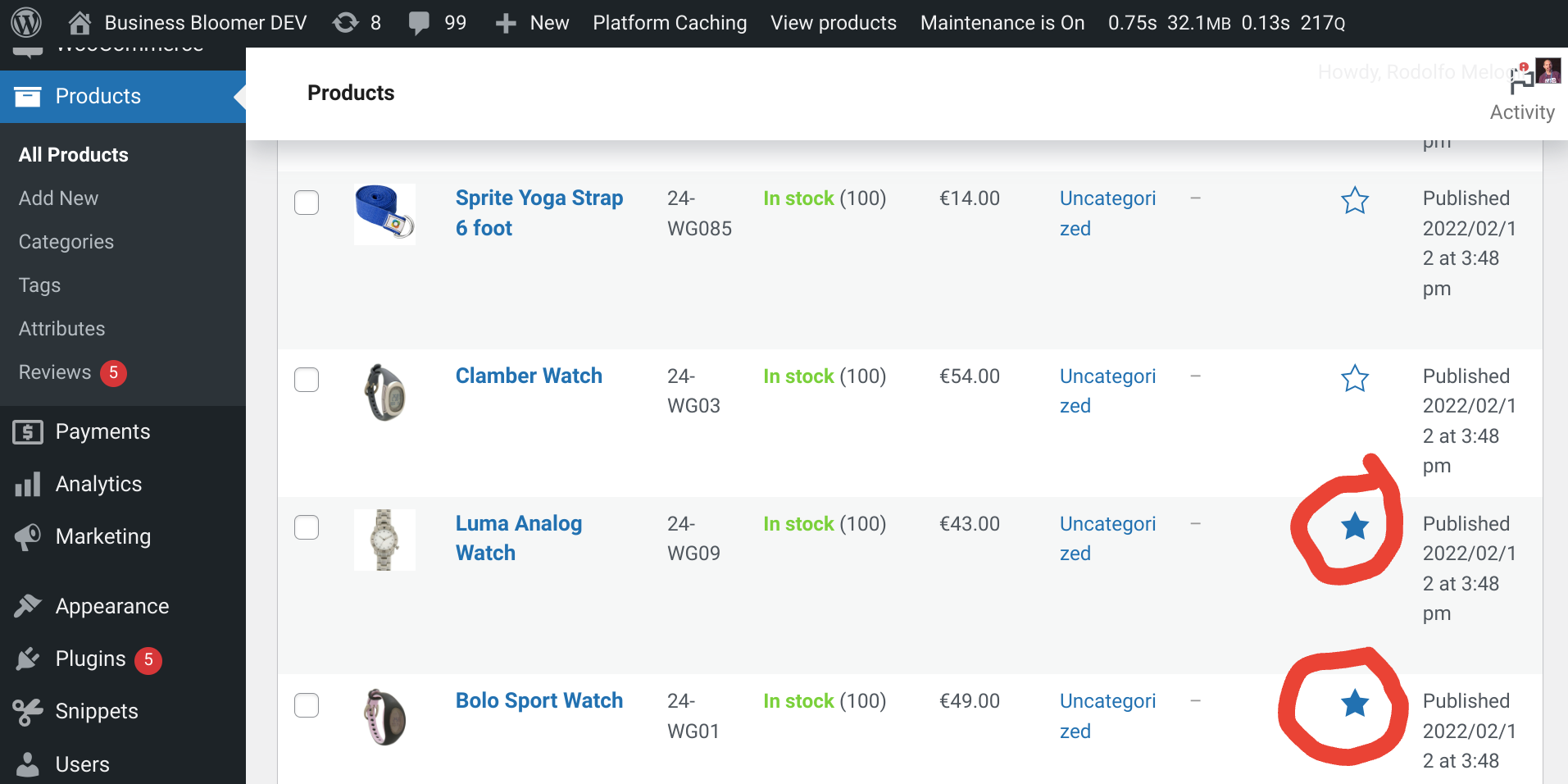
By default, WooCommerce displays order items in the same order customers added them to the cart. That might work fine in most cases, but for many store owners, it’s more useful to have a consistent and logical sequence instead — especially when reviewing orders in the admin, generating invoices, or printing packing slips.
With a simple filter, you can change the sorting behavior of order items everywhere — on the Thank You page, in the admin order view, in customer accounts, and in any plugin that uses the same data source.
In this tutorial, we’ll go through a handy snippet that reorders WooCommerce order items using the woocommerce_order_get_items filter. You’ll see how to sort items alphabetically, by SKU, by quantity, by total value, or even by product category, depending on your specific workflow or fulfillment preferences.