WooCommerce: “Share your Purchase on Twitter” @ Thank You Page

Boom! I was thinking of a way to show a “Share your Purchase on Social Media” on my thank you page right after someone becomes an official supporter. So, I spent some time coding and – as always – now I’m going to spend some more time to share my hard work!

Leave a comment below if this was helpful – and if you want to test this out, you’re very welcome to become an official Business Bloomer fan of course 🙂 Continue reading WooCommerce: “Share your Purchase on Twitter” @ Thank You Page

WooCommerce: How to Add a Custom Checkout Field

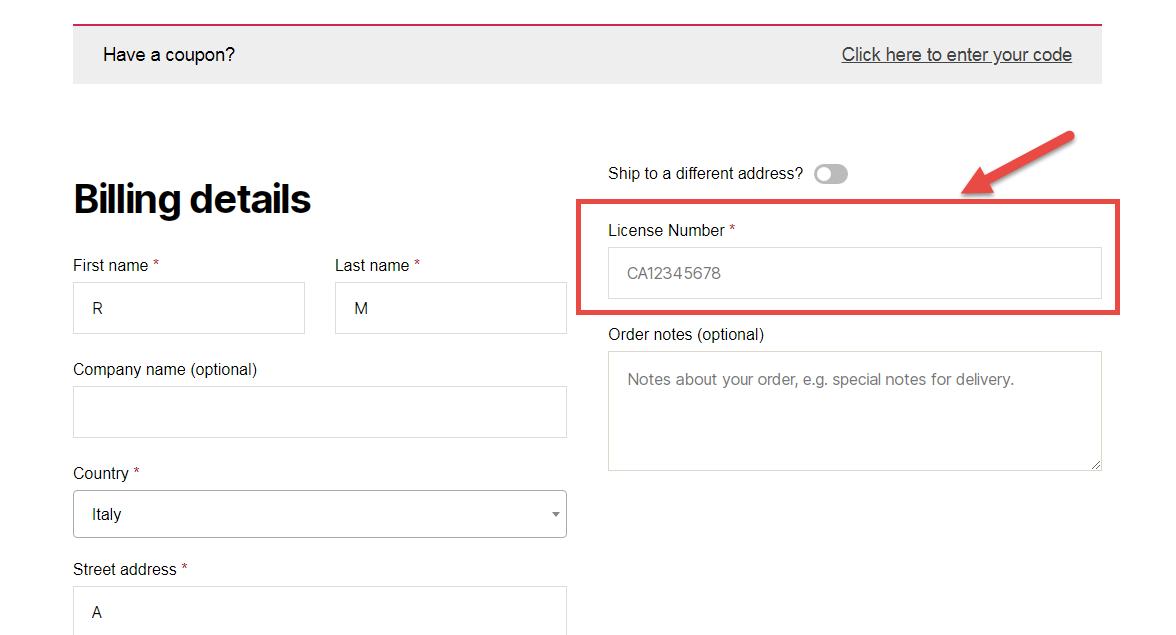
Let’s imagine you want to add a custom checkout field (and not an additional billing or shipping field) on the WooCommerce Checkout page. For example, it might be a customer licence number – this has got nothing to do with billing and nothing to do with shipping.

Ideally, this custom field could show above the Checkout page order notes – right after the shipping form. It will feature a label, an input field, and will be required.

So, here’s how you do it – hope it helps you understand that anything is possible with WooCommerce!

Continue reading WooCommerce: How to Add a Custom Checkout Field

WooCommerce: Redirect to Custom Thank you Page

How can you redirect customers to a beautifully looking, custom, thank you page?

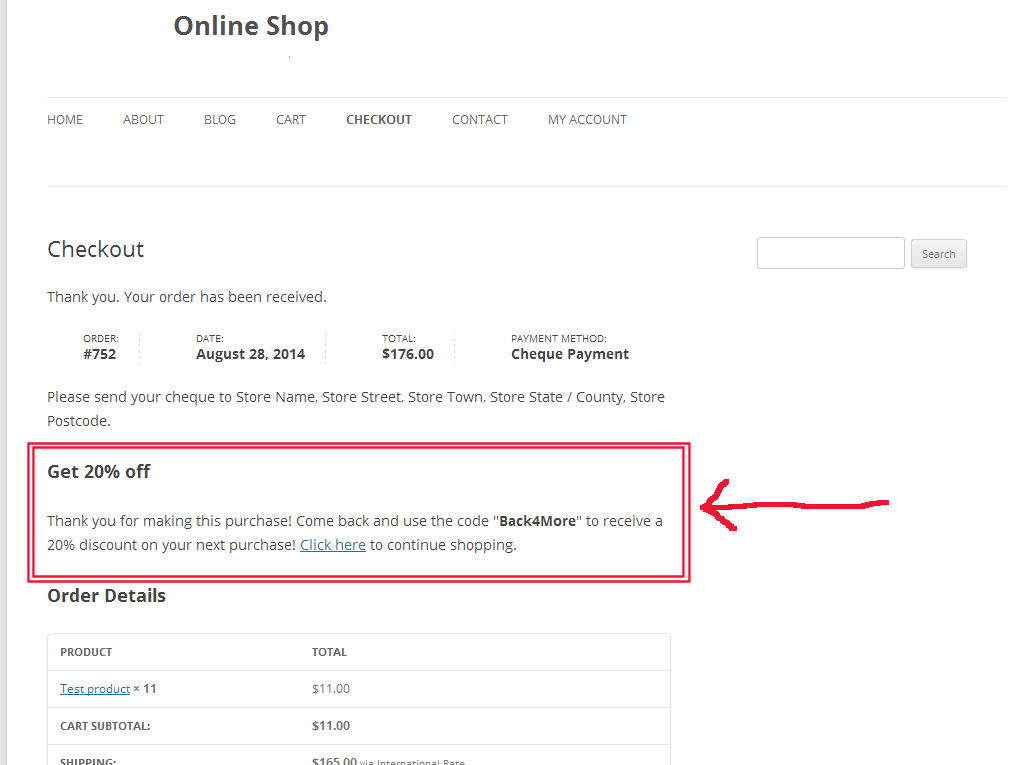
Thankfully you can add some PHP code to your functions.php or install a simple plugin and define a redirect to a custom WordPress page (as opposed to the default order-received endpoint). This is a great way for you to add specific up-sells, social media share and other information that could help you convert additional sales. 

Continue reading WooCommerce: Redirect to Custom Thank you Page